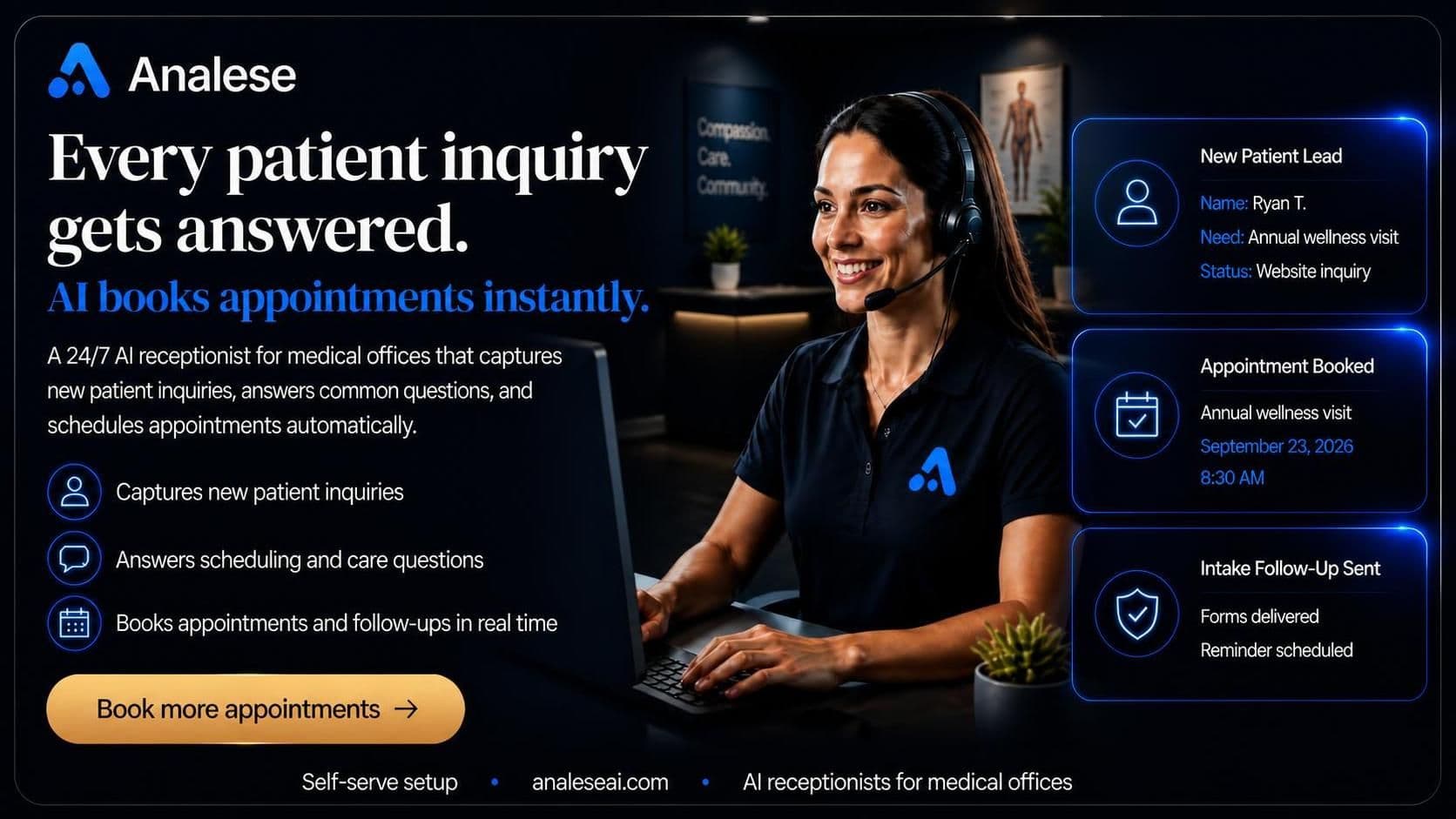
For doctors' offices · Bounded intake · No agency
Your AI receptionist for doctors' offices.
Analese captures the operational details a doctors' office needs from a caller, matches configured services and locations, and keeps clinical, records, and insurance questions with the office. It gives each caller a clear next step without pretending to be a clinician.
- Captures bounded new- and returning-patient intake
- Matches configured office services and locations
- Routes qualifying urgent requests within office rules
What you configure on day one
Operational coverage for your doctors' office.
The AI receptionist stays inside the office rules you configure. It collects useful caller-stated context and gives staff a safe, honest next step when the request needs clinical judgment, records access, or insurance expertise.
- 01
Captures bounded patient intake
The receptionist records caller-stated new or returning status, patient name, office location or ZIP, date of birth, provider preference, reason for visit, configured appointment type, referral source, and new-patient payer details.
- 02
Matches the office configuration
Configured services and locations shape the intake. Scheduling follows configured availability or office follow-up; a provider preference stays a preference, never a provider assignment or provider-specific availability claim.
- 03
Routes qualifying urgent requests
An urgent in-area request can use the office handoff only when configured hours, enabled answer, transfer mode, valid escalation number, and caller-number gates all pass. Otherwise the receptionist uses the approved office follow-up boundary.
- 04
Keeps clinical and insurance boundaries clear
It does not diagnose, provide treatment or medication/dosage advice, verify insurance benefits or eligibility, or verify referrals. It does not access or disclose charts and cannot guarantee provider assignment.
- 05
Handles life-safety language responsibly
When a caller describes a life-safety concern, the receptionist directs them to local emergency services. It is not bookable and does not market or provide emergency medical assistance.
How it works for a doctors' office
Sign up. Set the boundaries. Go live.
A clear setup path puts a disclosed AI receptionist in front of routine office calls while your team stays in control of clinical, privacy, insurance, and escalation decisions.
01 — Configure
Sign up, choose the medical or doctor-office vertical, connect the phone, and configure the office services, locations, and hours your team actually supports.
02 — Tune
Tune the greeting, first-line AI disclosure, approved answers, and urgent handoff rules so callers receive the same boundaries your office expects the front desk to use.
03 — Test and go live
Test routine, urgent, privacy, clinical, and scheduling calls against the configured paths. Go live when the office is comfortable with its availability and follow-up behavior.
Start with the office flow, then test the calls your staff sees most often before you turn it on for patients.
Get startedQuestions doctors' offices ask first
Know the operational boundaries.
The receptionist can organize a first call, but it does not replace a clinician, access a chart, verify benefits, or promise an assignment your office has not confirmed.
Start here
A clearer first call for your office.
Sign up with the medical vertical, configure your office rules, and test the receptionist against the routine, urgent, privacy, clinical, and insurance calls your team already handles.
Read more